Case Study
Inventory Management App
Low-Code Dev · FlutterFlow · Firebase
Overview
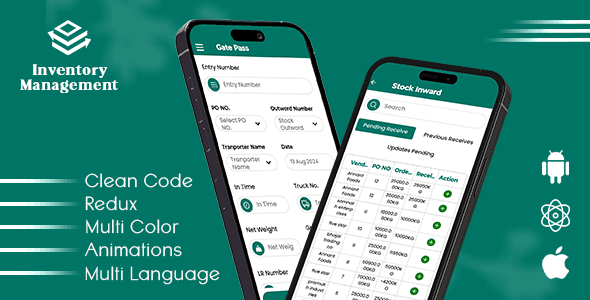
Built using FlutterFlow, this application simplifies inventory tracking for small businesses. It allows users to add items, monitor stock levels, categorize products, and view usage trends via a visual dashboard. The goal was to create a functional MVP rapidly without sacrificing UI quality, using a low-code approach backed by Firebase.
Key Features
- Visual dashboard for at-a-glance stock overview.
- Add/Edit/Delete inventory items with images and categories.
- Low-stock alerts and notifications to prevent stock-outs.
- Basic data visualization for usage and stock trends over time.
Technical Highlights
- Leveraged FlutterFlow's visual builder to rapidly prototype and iterate on UI without writing boilerplate code.
- Structured collections in Firebase to support filtering, searching and aggregating items efficiently.
- Used FlutterFlow's custom actions and Firebase queries to implement business rules like "low stock" thresholds and soft deletes.
Challenges & Solutions
Data Structure in a Low-Code Environment
Designing a scalable database schema inside a low-code tool was tricky, especially for relationships like categories, suppliers and stock logs.
Solution: Planned the schema on paper first, then used Firebase collections and sub-collections in FlutterFlow to handle relational data and keep reads/writes efficient.